Security & Visibility
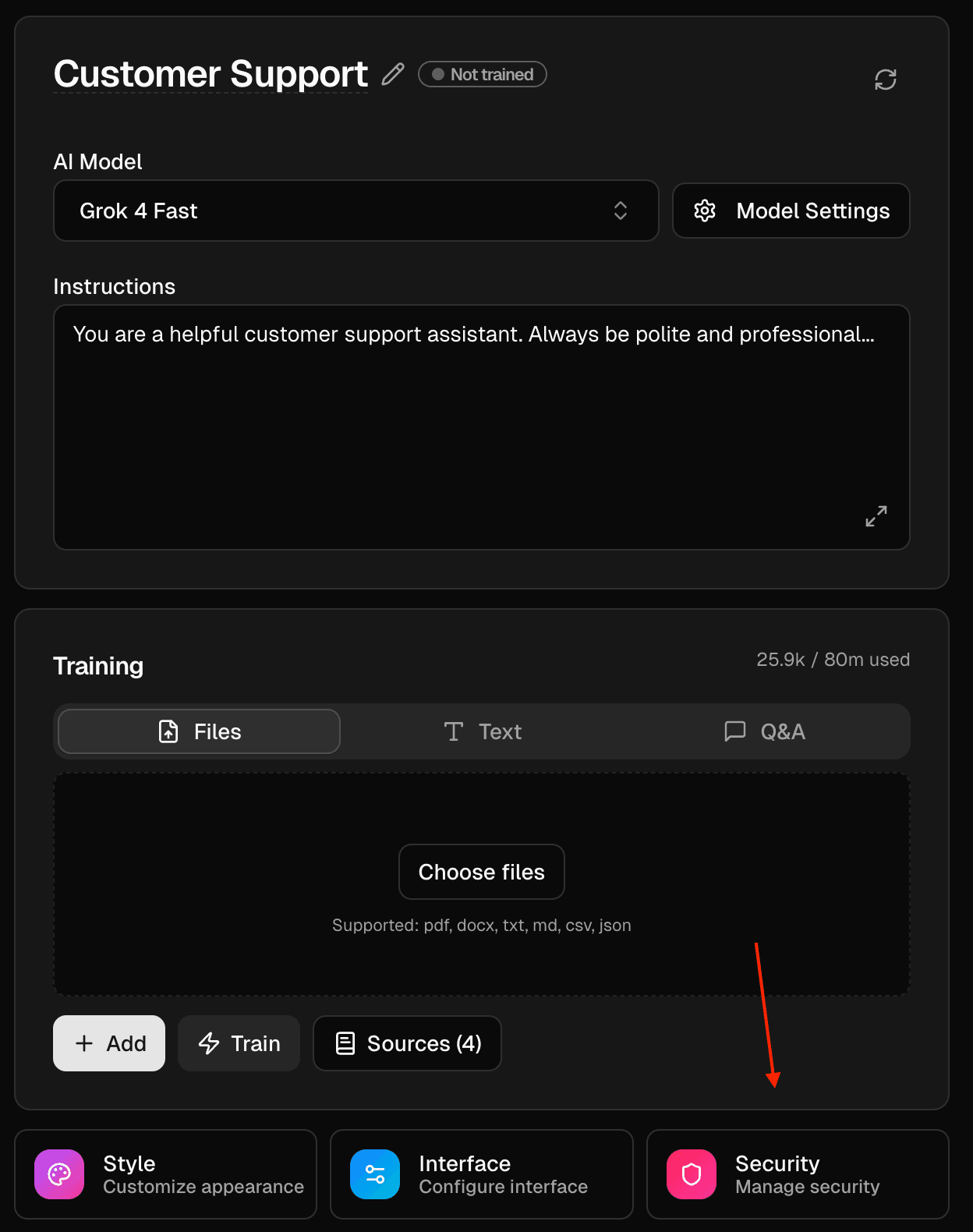
Use Security to control who can access your agent and to set basic protections.
Open the “Security” panel on the Agents page.
Visibility
- Public: anyone with the link can access
https://chatolia.com/c/{publicId}. - Private: only the owner and workspace members can access.
Banned words
Click “Configure” and enter one word or phrase per line (case‑insensitive). Messages containing those strings are blocked.
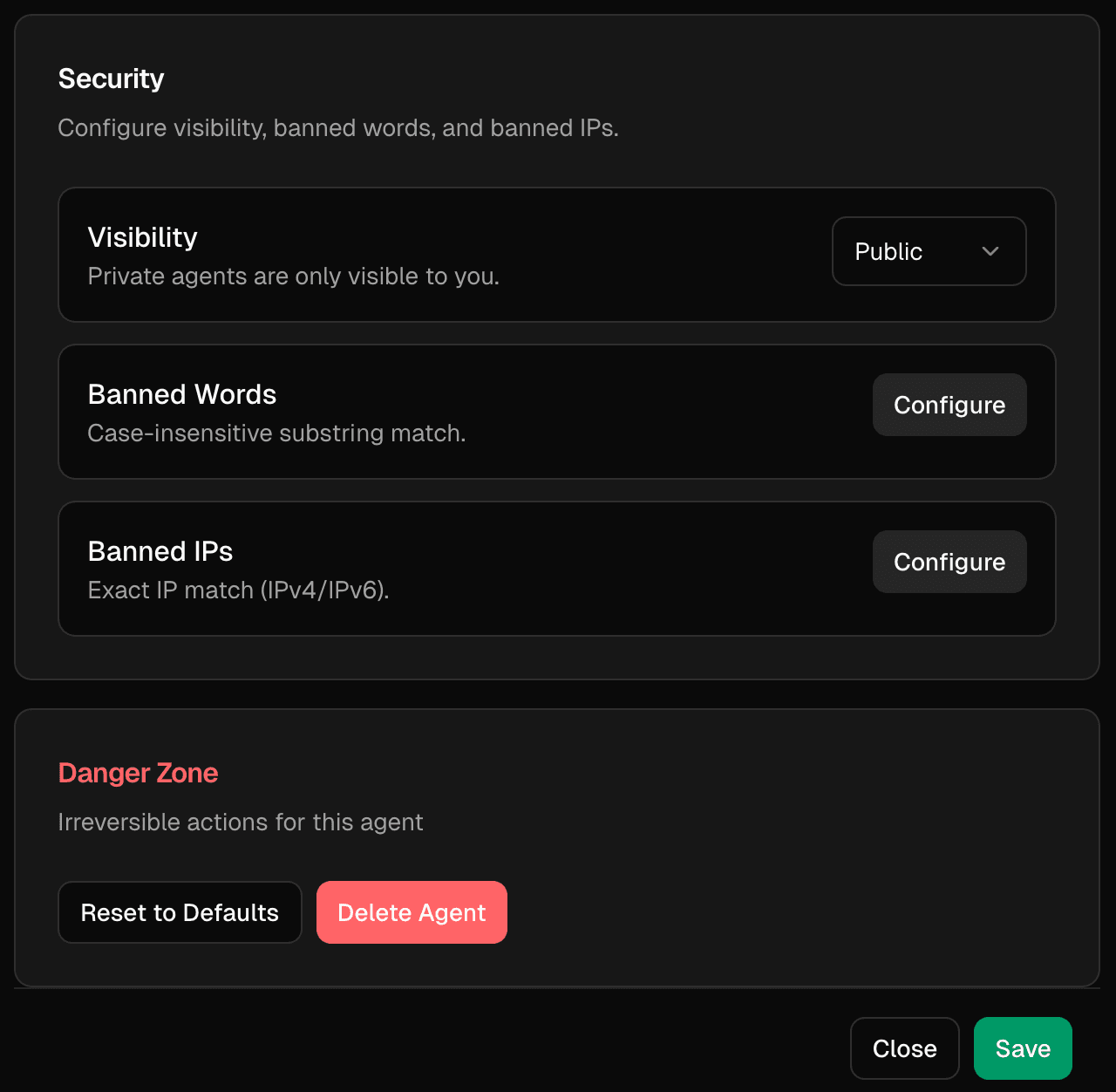
Banned IPs
Click “Configure” and add exact IPv4/IPv6 addresses, one per line. Requests from those addresses are blocked.
Danger zone
- Reset to Defaults: revert settings and style to their defaults.
- Delete Agent: permanently remove the agent and its public page.
Last updated on